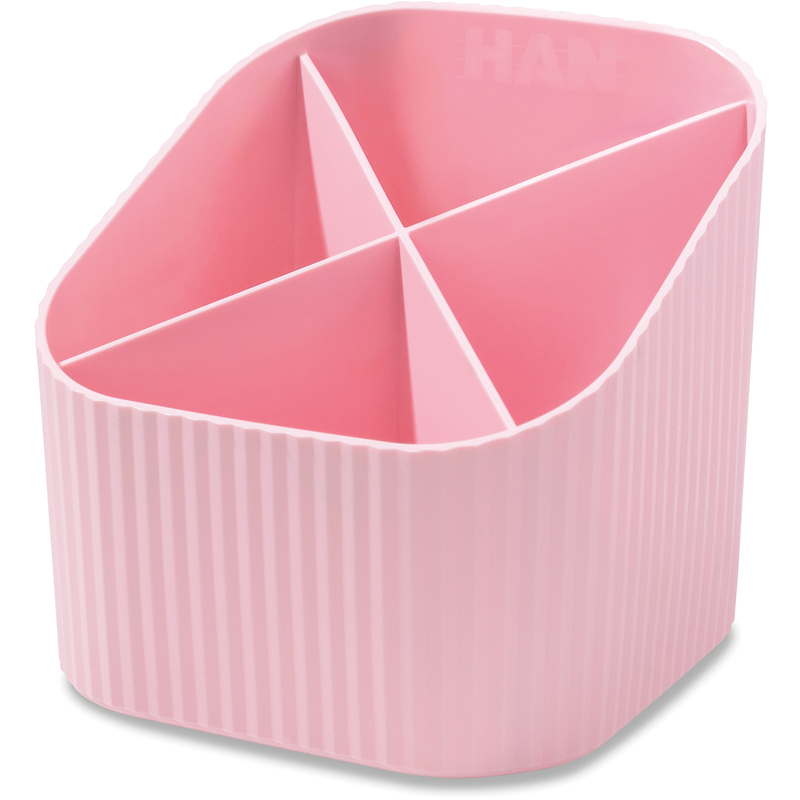

Clutter is sneaky. One stray pen becomes five, sticky notes migrate, cables tangle, and suddenly your desk feels like it’s working against you. A good Pen Holder & Desk Organizer flips that script—every tool has a home, your notes stay visible (and actionable), and your hands find things without thinking. The goal isn’t Pinterest-perfect minimalism; it’s a setup that speeds up your day and reduces micro-friction so you can focus.
Shop Pen Holders & Desk Organizers
Why Organization = Productivity (Not Just Aesthetics)
- Fewer decisions: When pens, highlighters, and clips live in set zones, you stop wasting cognitive energy searching.
- Faster resets: End-of-day tidying takes one minute when everything has a container.
- Better ergonomics: Vertical storage keeps essentials in reach without spreading across your whole desk.
- Professional polish: A clean surface reads credible on video calls and in client meetings.
Build Your “Daily-Flow” Layout
Think of your desk in rings:
- Primary ring (within arm’s reach): Pen holder with 3–4 daily tools (pen, highlighter, fineliner, pencil), sticky notes, and a small tray for paper clips/USB drives.
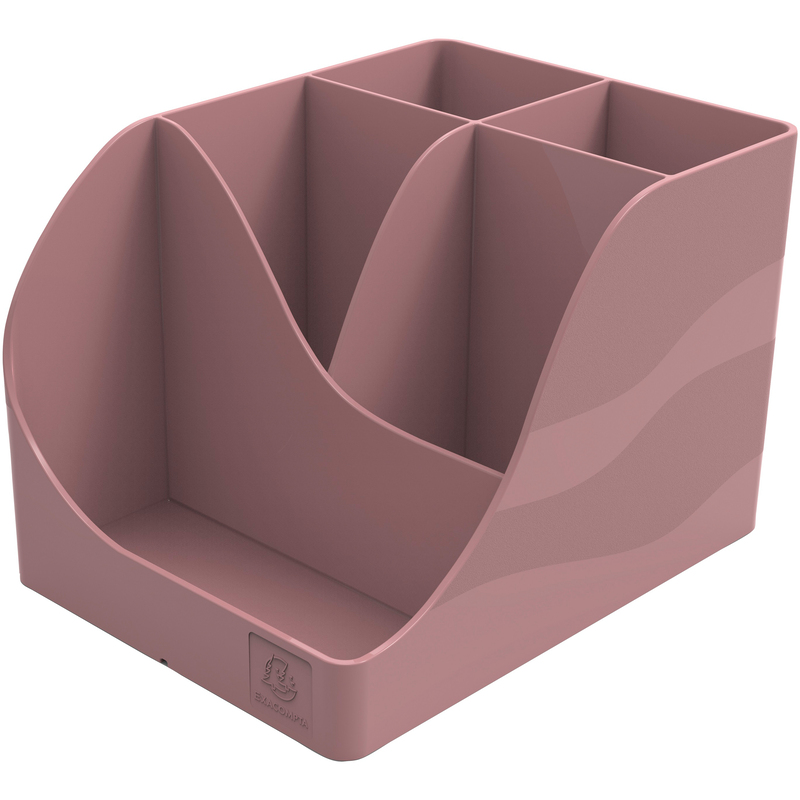
- Secondary ring (reach + lean): Docking station, notebook stand, larger organizer with compartments for spare pens, markers, scissors, ruler, stamps.
- Tertiary ring (occasional use): Drawer unit, file stand, labeler, extra stationery packs.
Aim for one motion per tool: reach, grab, use, return. If a tool takes two hands or a drawer hunt, redesign the placement.
Shop Pen Holders & Desk Organizers
Picking the Right Organizer (By Work Style)
The Minimalist (laptop + notebook, all day)
- Compact pen cup with divider insert to separate black/colored pens.
- Slim desk tray for sticky tabs, clips, and a USB-C dongle.
- Cable clip behind the laptop to park the charger.
The Power Paper User (notes, forms, signatures)
- Tiered organizer with vertical slots for in-progress documents.
- Wide pen caddy with compartments for fountain pens, highlighters, and stamp pads.
- Letter tray stacked 2–3 high for “Today / Waiting / Archive-this-week.”
The Creative (markers, swatches, tools)
- Rotating caddy (lazy Susan style) to keep colors accessible.
- Modular cups you can pull out and take to the meeting room.
- Tool stand for cutters, brushes, small rulers—keeps sharp edges upright and safe.
The Hybrid Remote Worker
- Portable organizer with a handle: move from kitchen table to office shelf in one grab.
- Fold-flat pen roll for on-the-go days.
- Docking zone tray near the wall outlet for laptop brick, headset, and spare cables.
Materials & Finishes: Form Meets Function
- Metal (steel/aluminum): Durable, weighty (stays put), crisp lines. Powder-coat finishes resist scratches.
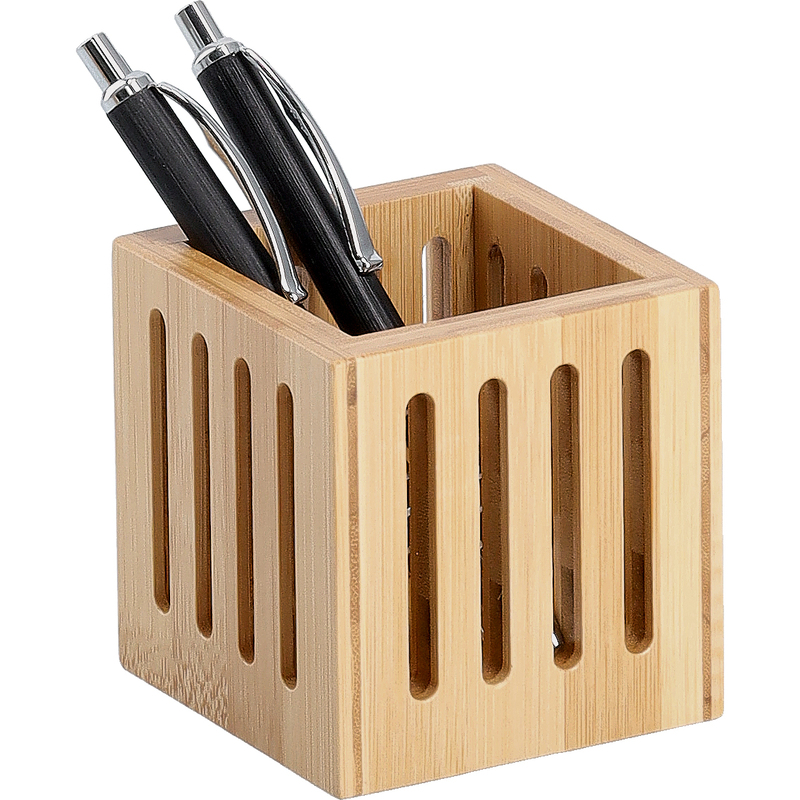
- Bamboo/Wood: Warm tone, hides dust well, sustainable feel. Great for home offices that double as living spaces.
- Acrylic: Clear visibility—perfect if you rely on color-coding. Wipe smudges with a microfiber cloth.
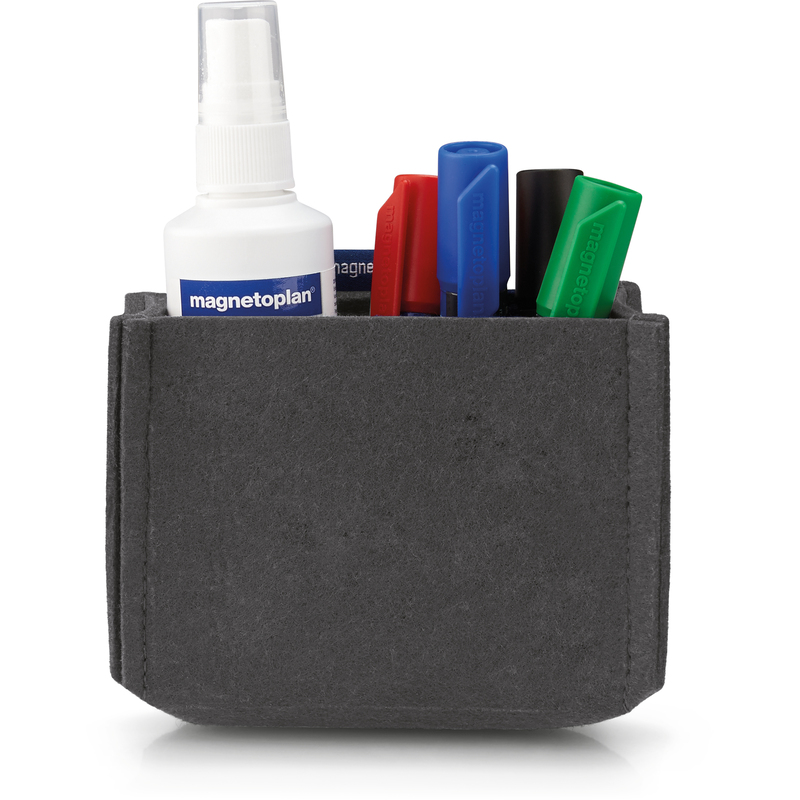
- Felt/Fabric: Gentle on devices, good for drawers and cable wraps; choose dense felt to avoid fuzz.
- Recycled plastics: Lightweight and affordable; pick thicker walls for rigidity and long life.
Mixing materials is fine—just repeat one element (color, metal accent) across pieces to keep the look coherent.
Shop Pen Holders & Desk Organizers
The Pen Holder: Small Item, Big Impact
A strong pen holder has:
- Stable base (weighted or broad) so it doesn’t tip during fast grabs
- Dividers to separate writing vs. highlighting vs. fineliners
- Height variety (one taller compartment, one shorter) so small tools don’t vanish
- Easy-clean interior—ink happens; make it wipeable
Pro tip: Limit the holder to 5–6 items max. Everything else lives in the larger organizer. Scarcity makes selection automatic.
Cable & Tech Control (The Secret to a Calm Desk)
- Cable clips on the desk’s back edge for power, display, and phone cords
- Under-desk channel or adhesive raceway to hide excess cable run
- Charging dock anchored on a tray—your phone always parks in the same place
- Label ends (PWR, HDMI, USB) with mini tags so you unplug the right thing without crawling under the desk
If a cable crosses your mouse path even once, reroute it. Micro-annoyances drain focus.
Paper, Notes & “Open Loop” Management
- Three-slot stand: “Do Today / Waiting / Reference” beats one chaotic pile
- Sticky notes policy: One cluster on a small board or planner page—no desk confetti
- Weekly sweep: Every Friday, decide: archive, schedule, or bin. Your organizer stays lean because you prune.
Drawer Strategy That Complements the Top
Top looks great; drawers become the junkyard? Not on our watch.
- Shallow drawer trays for spare refills, ink cartridges, correction tape
- Zip pouch for spare cables and dongles (label it)
- Restock bin (small box) for backup staples—when it’s empty, you reorder
A tidy surface collapses without drawer discipline. Treat drawers like backstage: organized, invisible, effective.
Shop Pen Holders & Desk Organizers
Color & Labeling: Make It Fast, Not Fussy
- Two-color rule: Pick one neutral (black/white/grey) + one accent (sage, terracotta, cobalt).
- Consistent labels: Same font/label tape across all pieces to avoid visual noise.
- Icon stickers for shared spaces—scissors, pens, chargers—so teammates put things back correctly.
Ergonomics: Your Body Will Thank You
- Keep the pen holder on your dominant side within a 20–30 cm reach arc.
- Place frequently used tools (scissors, stapler) toward the front; heavier gear (tape dispensers) at the back or far side.
- If you’re left-handed, mirror the layout. It sounds obvious, but many lefties keep right-handed setups by default and fight them daily.
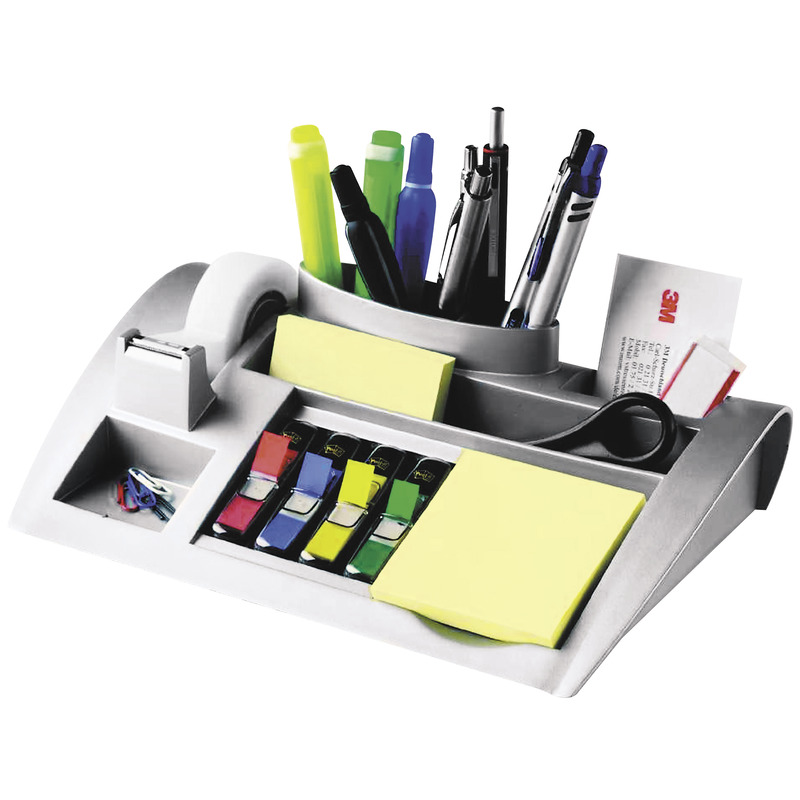
Maintenance: 6-Minute Weekly Reset
- Return tools to containers
- Dump the “mystery” items into a small tray, sort immediately
- Wipe dust with a microfiber cloth
- Check pens, toss the dry ones (be ruthless!)
- Reel cables back into clips
- Top up sticky notes, clips, and printer paper if low
It’s easier to keep order than to restore it—tiny weekly habit, massive payoff.
Small Space Setups (Zero Compromises)
- Vertical risers double storage under monitors without eating desk depth
- Wall rails/pegboards keep scissors, headings, and cables off the surface
- Narrow pen cups that tuck under a laptop stand
- Foldaway caddies for dining-table offices: pack, lift, and store in 10 seconds
Shared Desks & Team Areas
- Use color-coded organizers per person or project
- Add return labels (e.g., “Meeting Room A” on whiteboards/markers)
- Keep a community cup for spare pens near the printer; refill from a labeled stock box
Clear systems beat reminders. When it’s obvious where things go, people comply.
Shop Pen Holders & Desk Organizers
Troubleshooting: Real-World Fixes
- Pen cup becomes a junk tube: Add a divider and enforce a 6-item max. Move extras to the organizer or drawer tray.
- Organizer slides around: Apply clear silicone feet or a thin desk mat for grip.
- Cables still messy: Shorten with velcro ties and route through an under-desk channel; label both ends.
- Dust magnets (acrylic woes): Keep a microfiber cloth in a side tray; quick wipe every other day.
- You over-collect pens: Limit refills to one backup per color. Donate extras to a shared supply box.
Sustainability Mindset
Buy once, buy modular. Durable metal or bamboo organizers last longer and look good across re-decorations. Modular pieces let you adapt the layout as your tools change—less waste, better fit. Refill pens instead of replacing, and choose organizers that can be cleaned and repaired (replace feet, add dividers) rather than tossed.
Conclusion
A tidy desk isn’t a personality trait—it’s a system. Start with the essentials in reach, give every tool a named “home,” tame your cables, and protect your drawers from chaos. With the right Pen Holder & Desk Organizer, you’ll spend less time hunting for a highlighter and more time actually finishing the work. Build a layout once, maintain it in minutes, and enjoy the calm, competent energy of a desk that supports you.
Ready to set up (or reset) your workspace? Pick your layout, choose durable materials, and make the small changes that deliver big focus.
Shop Pen Holders & Desk Organizers
FAQ
- What size pen holder should I choose?
Pick a cup that comfortably fits 5–6 daily tools with a divider insert. If you routinely use markers or scissors, add a second, taller compartment. - Acrylic, metal, or bamboo—what’s best?
Metal is durable and stable, acrylic offers visibility for color-coding, and bamboo adds warmth. Choose by your desk style and cleaning preference. - How do I keep the organizer from sliding?
Use silicone feet or a desk mat. Heavier metal bases also help, especially on glass desks. - What belongs in the pen cup vs. the organizer?
Pen cup = daily drivers only. The organizer holds backups, scissors, stapler, sticky tabs, and small tools you don’t need every five minutes. - Any tips for cable clutter?
Add cable clips at the back edge, route excess in an under-desk channel, and label ends. Keep a single charging zone so cords aren’t everywhere. - How often should I declutter?
Do a 6-minute weekly reset: clear, wipe, restock, and toss dry pens. Monthly, audit drawers and recycle duplicates. - What if I work at the dining table?
Use a handled caddy and a fold-flat pen roll. Pack it in seconds when dinner starts—no more “office creep.” - How do I organize shared desks?
Color-code organizers, label shelves/slots, and maintain a communal pen cup near printers with a labeled stock box for refills. - Can organization actually improve focus?
Yes. Fewer micro-decisions and faster retrieval reduce cognitive load, which translates into better attention and less stress.